Edit with Effects
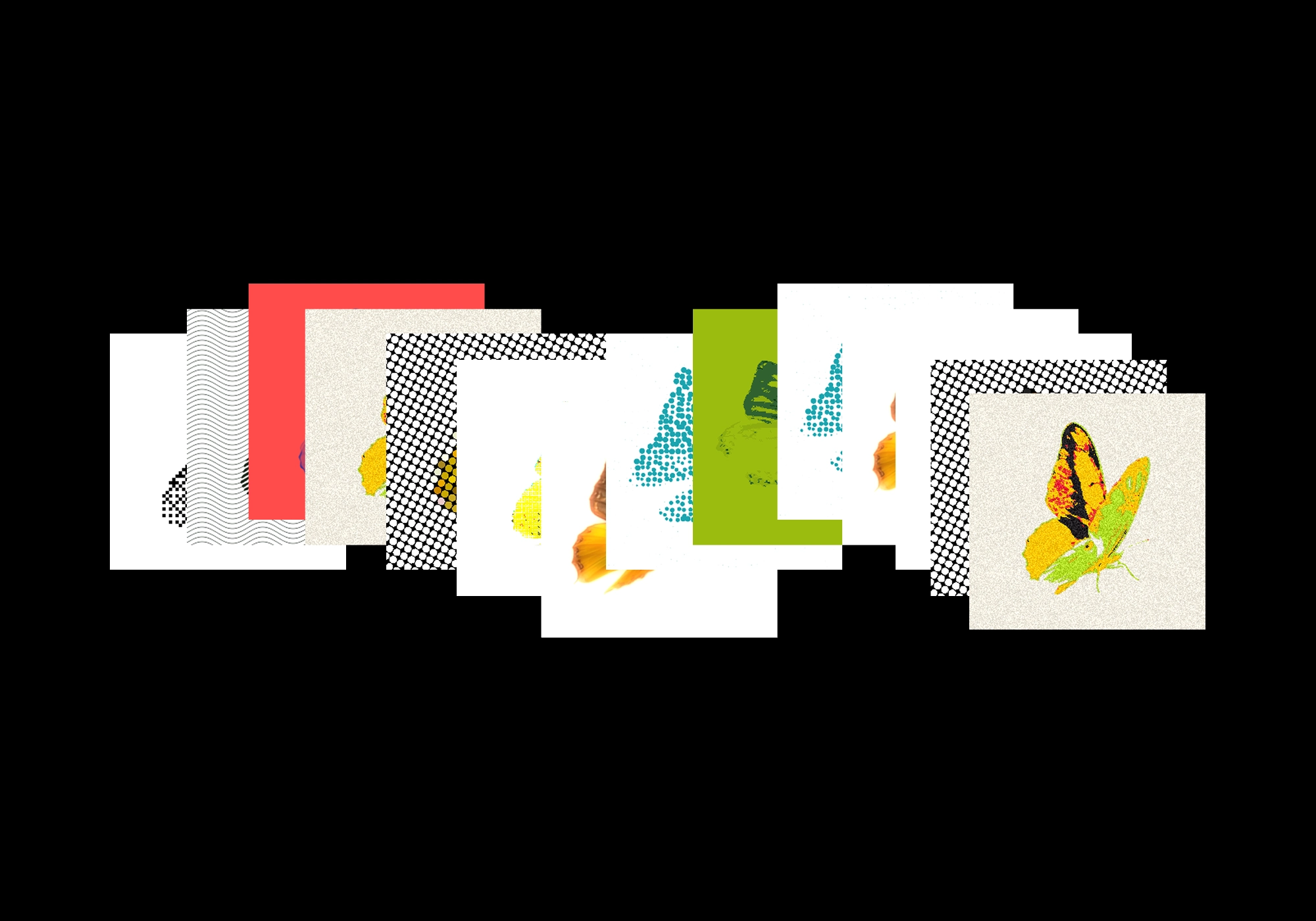
The right filter can transform an image. The right tools keep you in flow.
Today, we're launching Effects in Reve — professional-grade filters at your fingertips.
Create with effects based on texture, light, or color, and refine your image through color grading, blur, vignettes, grain, lighting adjustments, texture, or any visual treatment you need. Effects bring your creative vision to life through simple, adjustable sliders.
What you can do with Effects
Apply any effect -- Select from our list of effects, or create your own by describing what you want or sharing an example as a reference.
Edit properties in real time -- Dial into the details until it’s perfect. Get full control over the live adjustments and tweak as you go.
Stack multiple effects -- Build your signature look once, then save your preset and replicate it across as many images as you like.
Craft your look with Effects
- Select the effect button to apply an effect to your image
- Use the sliders to adjust the strength of the effect
- Layer multiple effects for a dimensional look
- Create your own effects by asking for your vision
- Attach a reference image to create an effect based off a reference
- Save your favorite effects as presets to use again and again
Effects bring dimension to your image, giving you access to professional level edits with ease. They adapt to your workflow by providing deep creative control through precision without complexity.
Effects are available now in Reve. Transform your images and refine their looks.