Introducing References
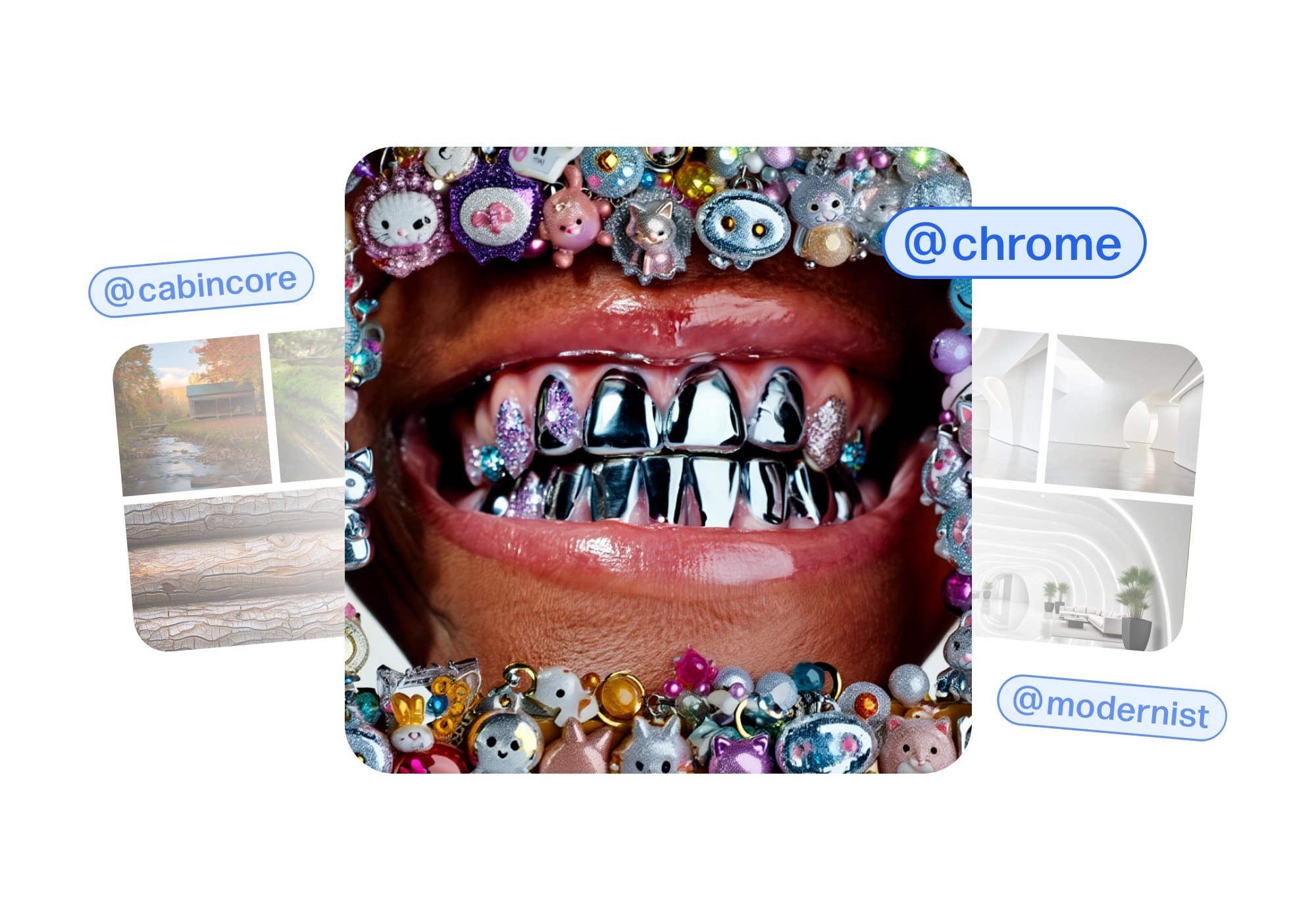
Creativity doesn't start from nothing. It starts from what already moves you.
Today, we're launching References in Reve — a way to guide your creations using images you love. Ground your work in consistency and style while leaving room for imagination.
Use styles, people, lighting, textures, color palettes, environments, outfits, materials, poses, compositions, design elements, or anything else that inspires you. References turn visual ideas into creative direction without limiting where you can go.
What you can do with References
Apply a visual style. Take a collection of images and apply their shared style with color, mood, and visual language reimagined through your work. Build an interpretation that feels cohesive and unmistakably yours by referencing styles you love.
Keep characters consistent. References maintain facial features, proportions, and presence across scenes as you move yourself, your friends or your character through new moments and stories.
Capture an essence. Sometimes you want a relationship, a posture, a moment beyond just a look. Guide your creations with a pose, lighting setup, composition, or subject dynamics. Use anatomy to guide form, topology to shape structure, style to define mood, or relationships to tell a story.
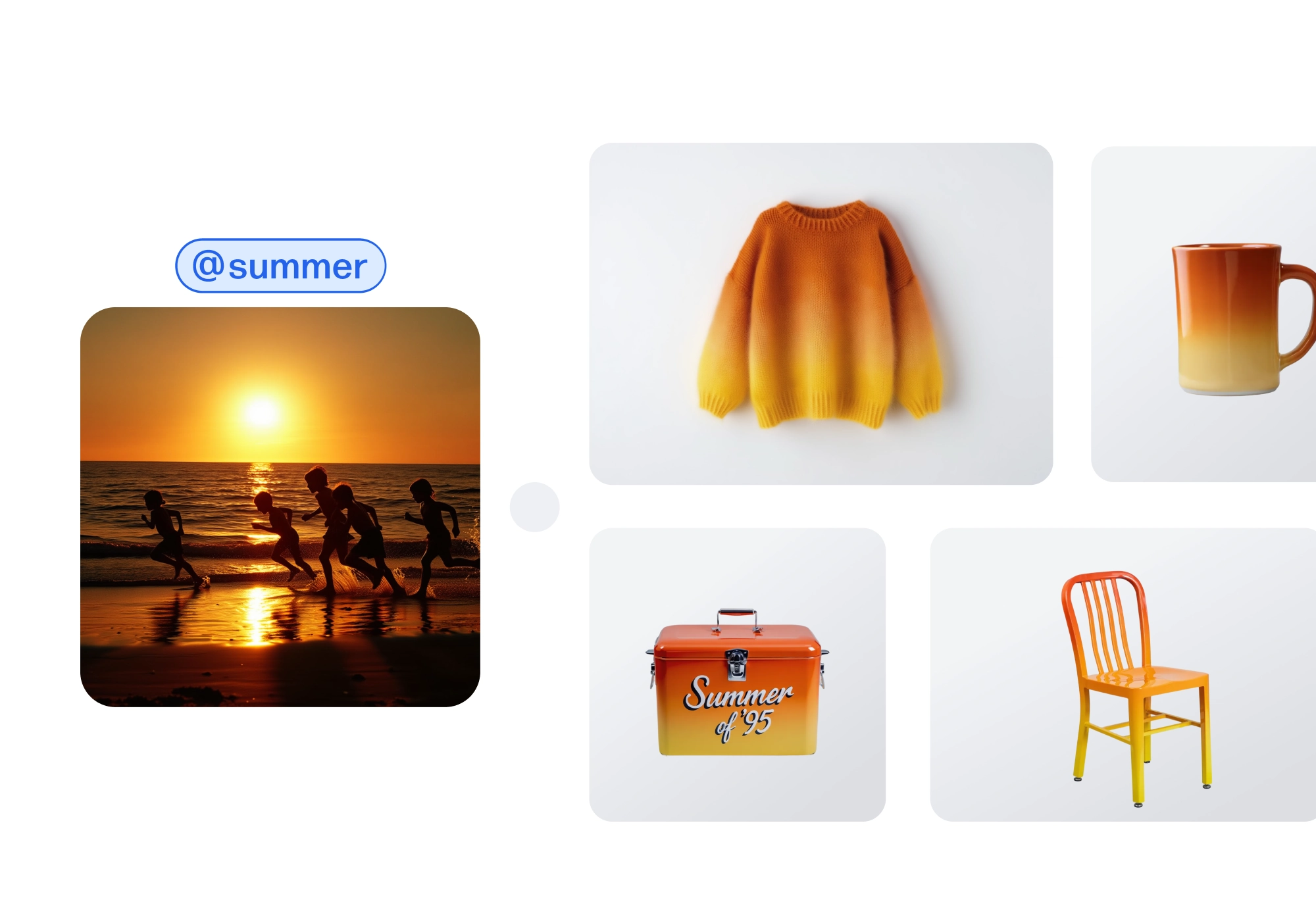
Create References your way
- Get started by clicking the @ reference button
- Create references by adding your inspiration images, then clicking the “create reference” button in the top right corner
- Name a reference, state how it’s used, and add additional instructions if you’d like
- Apply references by using @ and then the name of the reference
- View and access references by clicking the @ button to create, edit, or clone them
References are available now in Reve. Go to reve.com to bring what inspires you into your process and see where it takes you.