Introducing Reframe
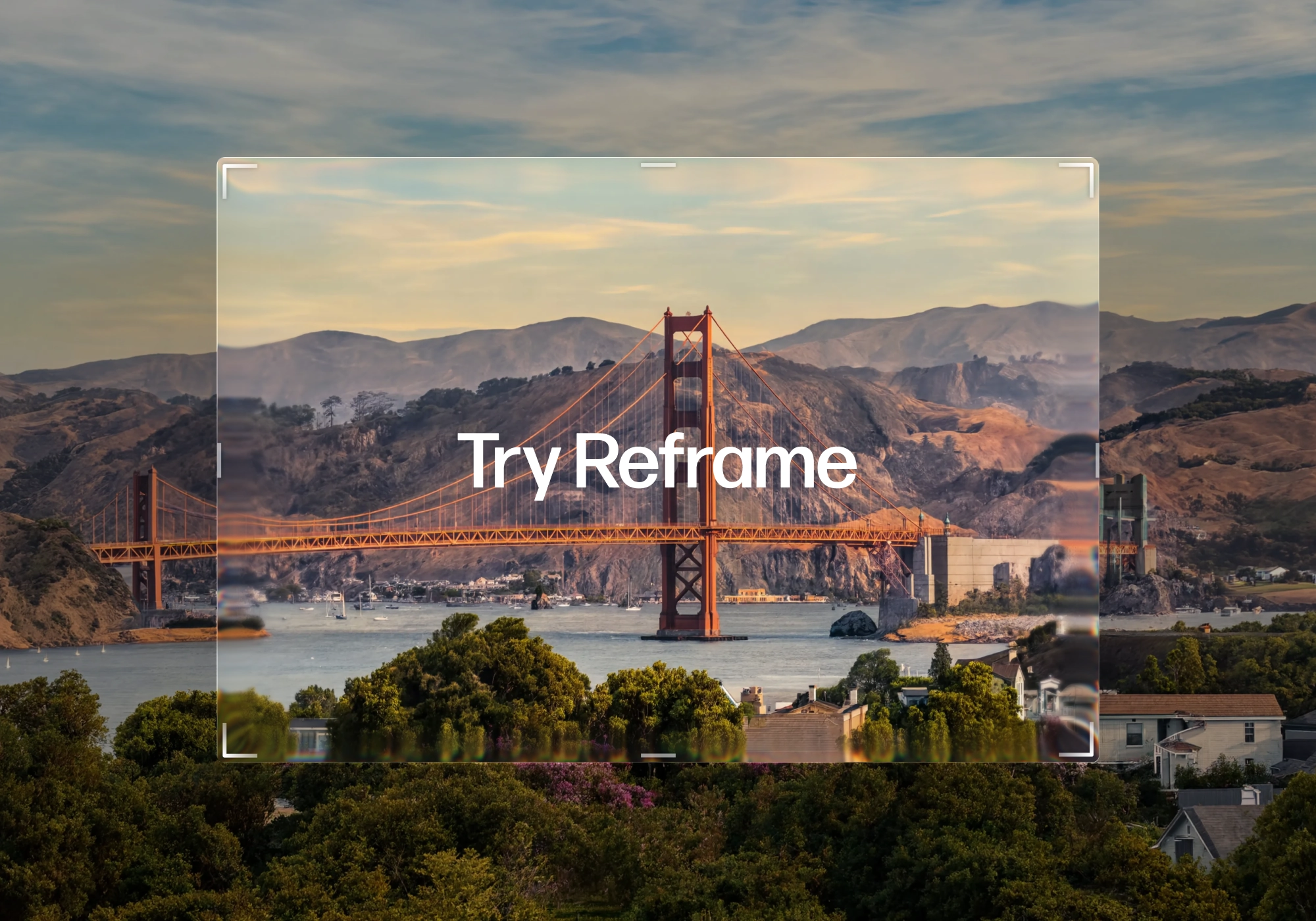
Reframe your image. Expand your image or get closer to the details, in any aspect ratio.
Zoom in or out up to 10x, and change your aspect ratio from vertical to horizontal — all while keeping your image intact.
What you can do with Reframe
Maintain the magic of your image while reshaping it into the right size. There are two core tools, each built for a different kind of adjustment.
Reshoot lets you push in or out on your image, up to 10x in either direction. Tighten the frame to bring focus to a single detail, or pull back to reveal more of the scene than the original shot captured. Switch your image between orientations — vertical to horizontal, square to widescreen, and everything in between. Use it when the composition is right but the crop isn't.
Relayout lets you format your image for the perfect use case. Get your image in the right aspect ratio for any social platform by turning a portrait shot into a landscape banner, or a landscape into a story-ready vertical, without cropping out what matters. Use it when the same image needs to work across different formats.
Reframe to get your details right
- Zoom in up to 10x to isolate a detail or focus the composition
- Zoom out up to 10x to reveal more of the scene beyond the original frame
- Switch between vertical, horizontal, square, and widescreen aspect ratios
- Reframe a single image to fit multiple formats and placements
- Adjust scale and orientation while keeping your original image intact
No more redoing your image for a different format. Just reframe, and make it right.
Reframe is available now — try it on any image at reve.com.